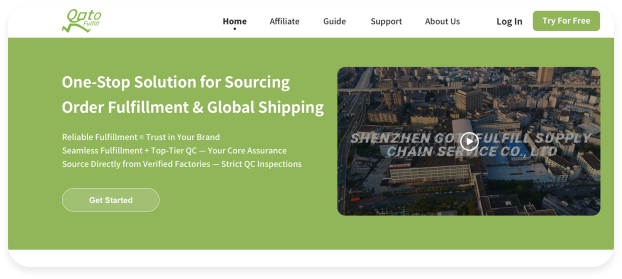
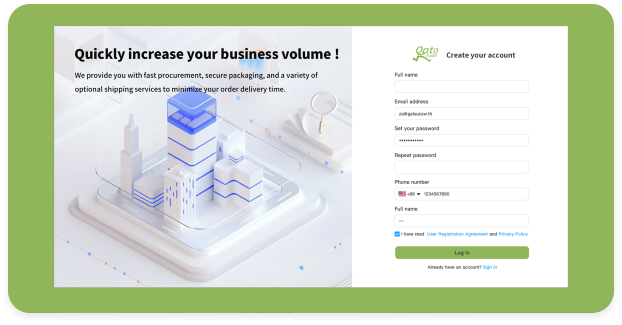
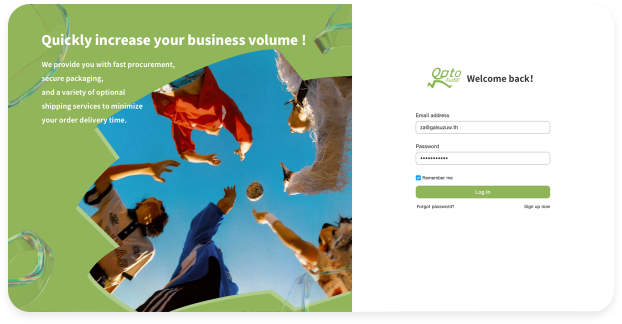
Register your account to access our professional dropshipping solutions with the following simple steps. Visit the official Gotofulfill website and locate the Sign Up button at the designated position on the page.

I. Preparations
A registered and logged-in Shopify store
Ⅱ. Link your Shopify Store
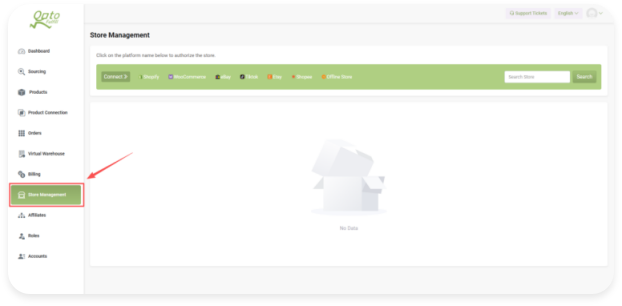
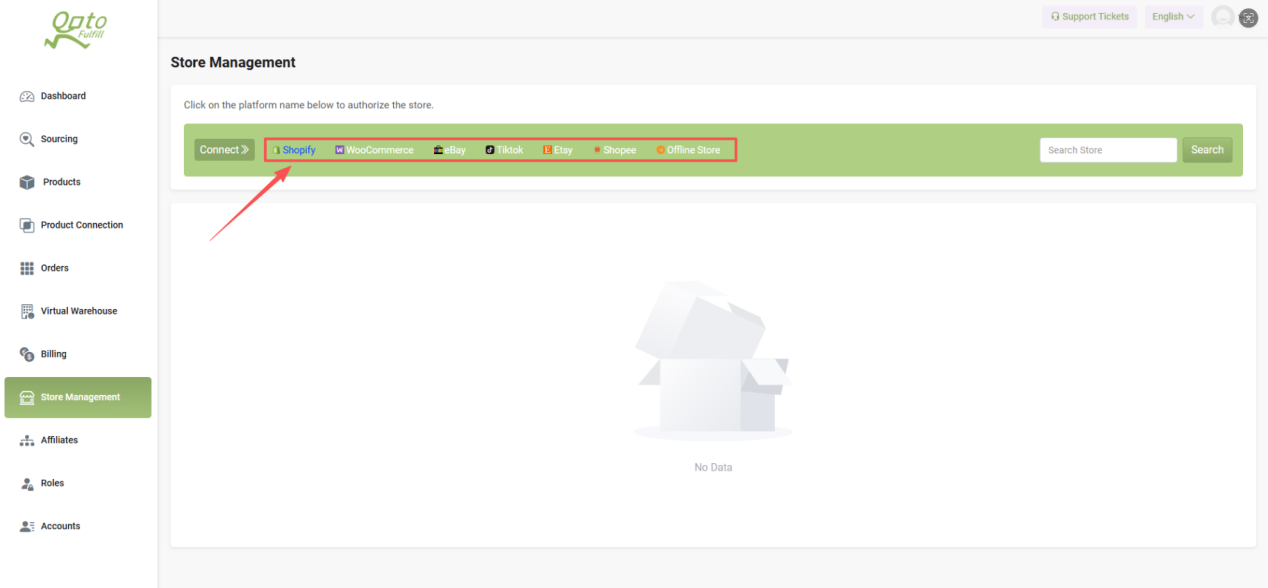
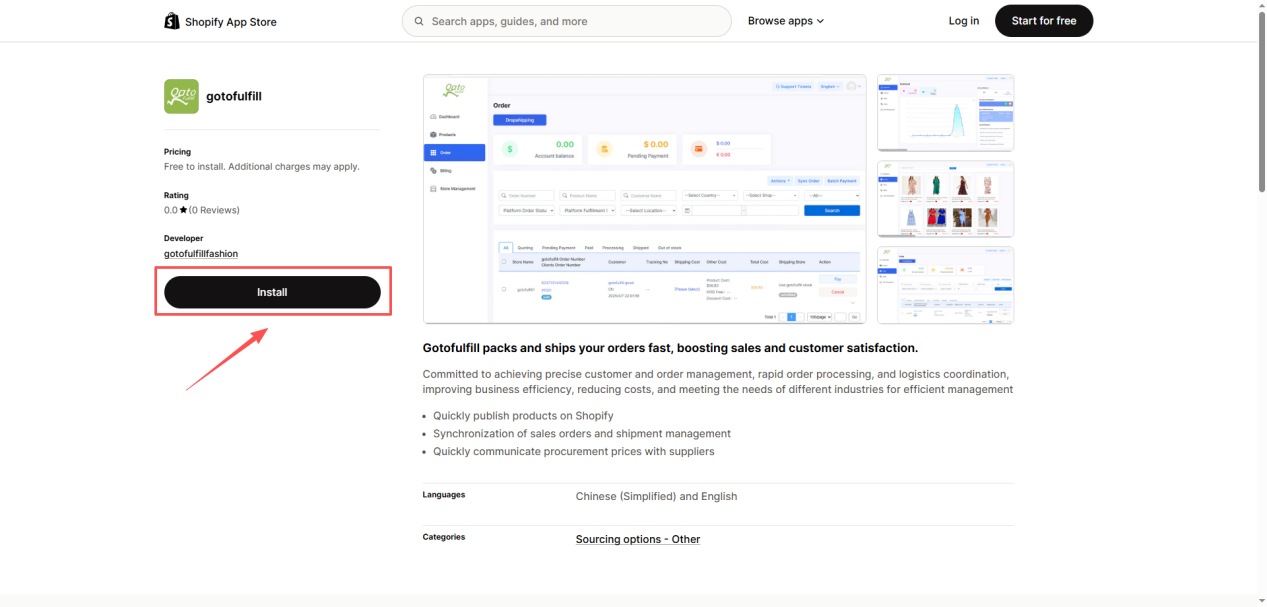
Find and click Store Management on the Dashboard Select the Shopify integration option Hit the Install button to start authorization You’ll be redirected to Shopify—log in with your store admin account Authorization done = Link completed!
Verify: Check Gotofulfill’s Store Management page—your Shopify store name will be listed if connected successfully.

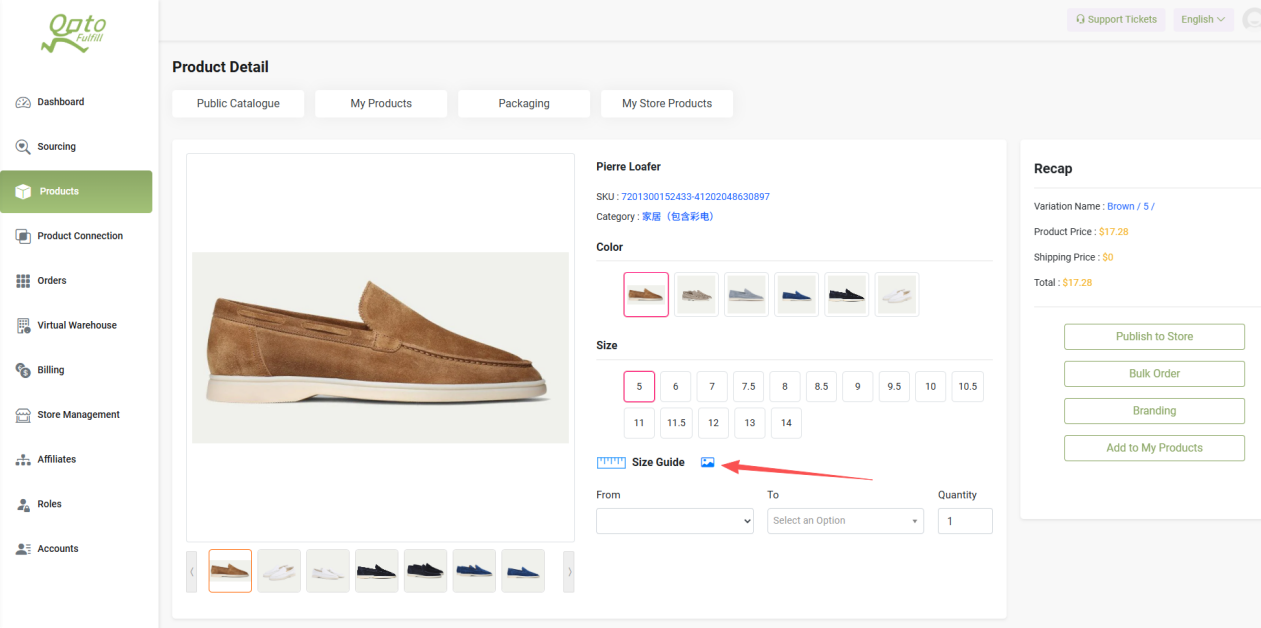
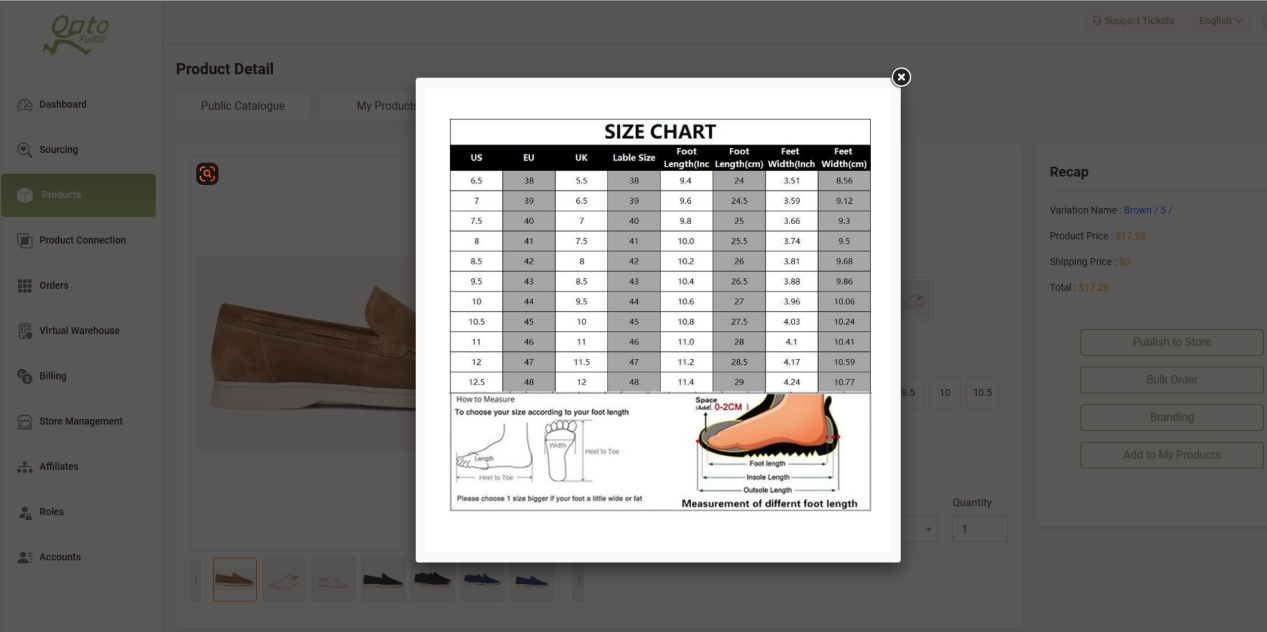
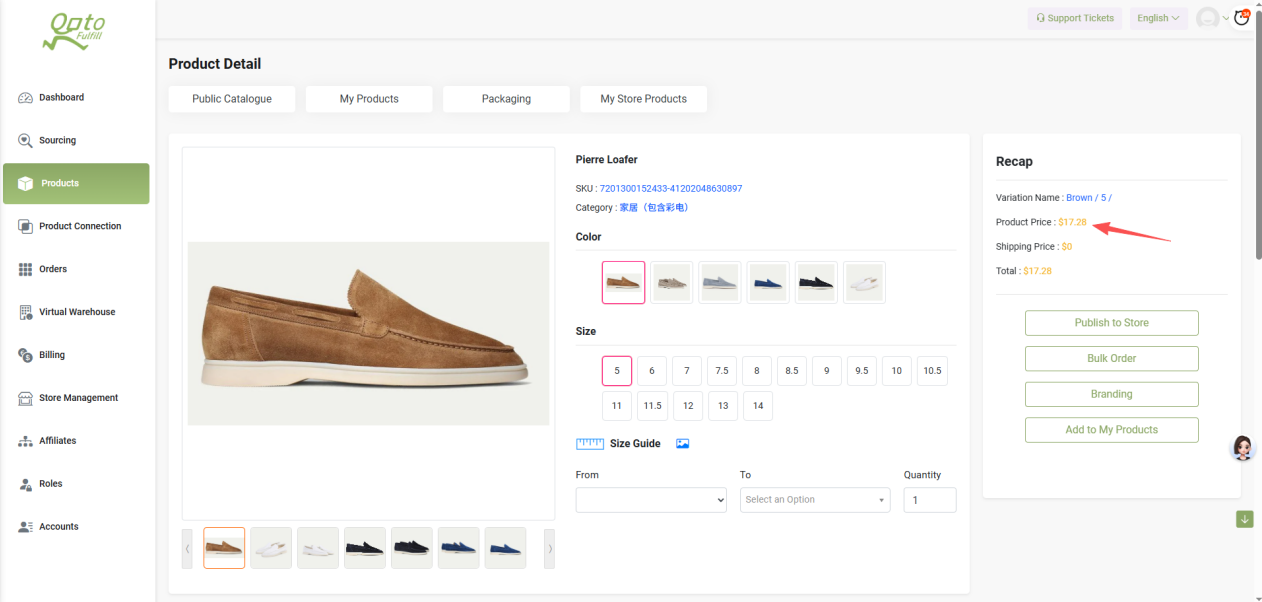
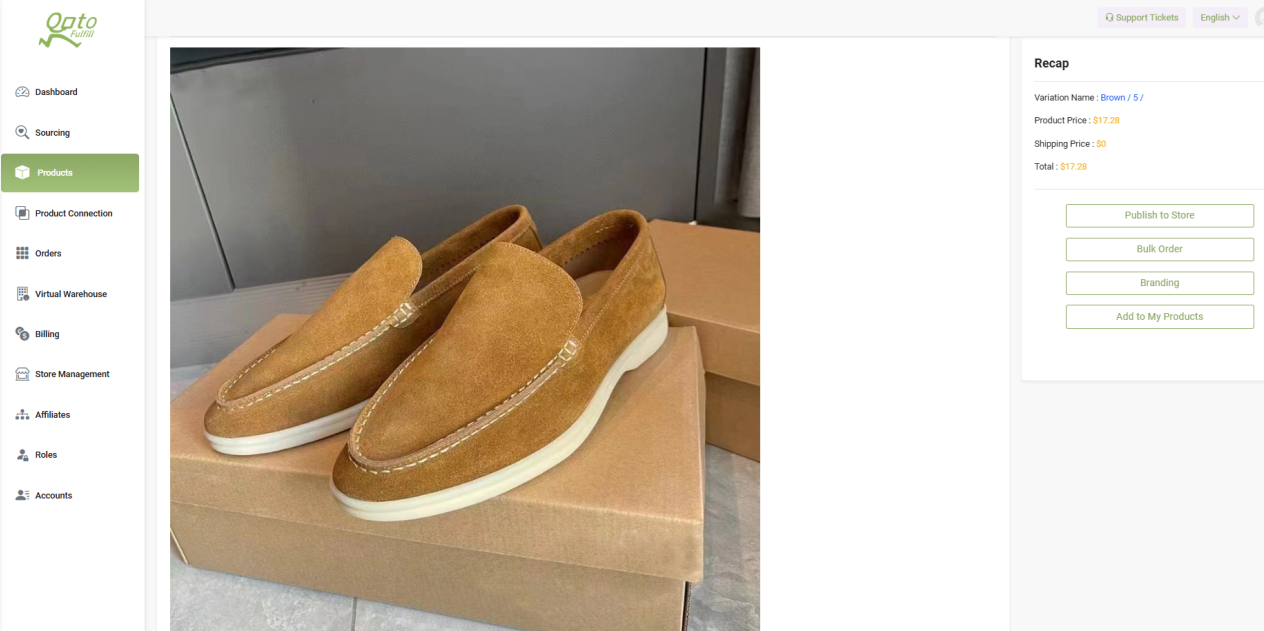
Confirm product visuals and sizing specs to pick the right items for your store.
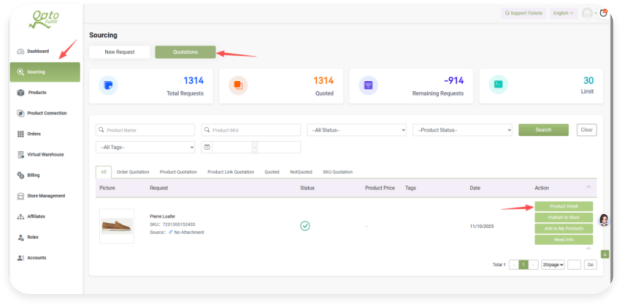
Go to the Sourcing section Navigate to Quotations Pick the product you're interested in Click to enter the Product Detail page Browse the Size Guide → Scroll down to view all product images

 English
 Dutch
Dutch